

Use Cases
| Scenario | Description |
|---|---|
| Escalation Rules | Assign to different on-call personnel based on workdays/rest days |
| Silence Rules | Only silence low-priority alerts on rest days |
Creating a Calendar
Go to Incident Management → Service Calendar → New Calendar.
| Configuration | Description |
|---|---|
| Calendar Name | Recommend naming by business dimension, e.g., “Settlement Business System” |
| Calendar Description | Overview of business characteristics for quick team understanding |
| Management Team | Once configured, team members have full permissions for this calendar |
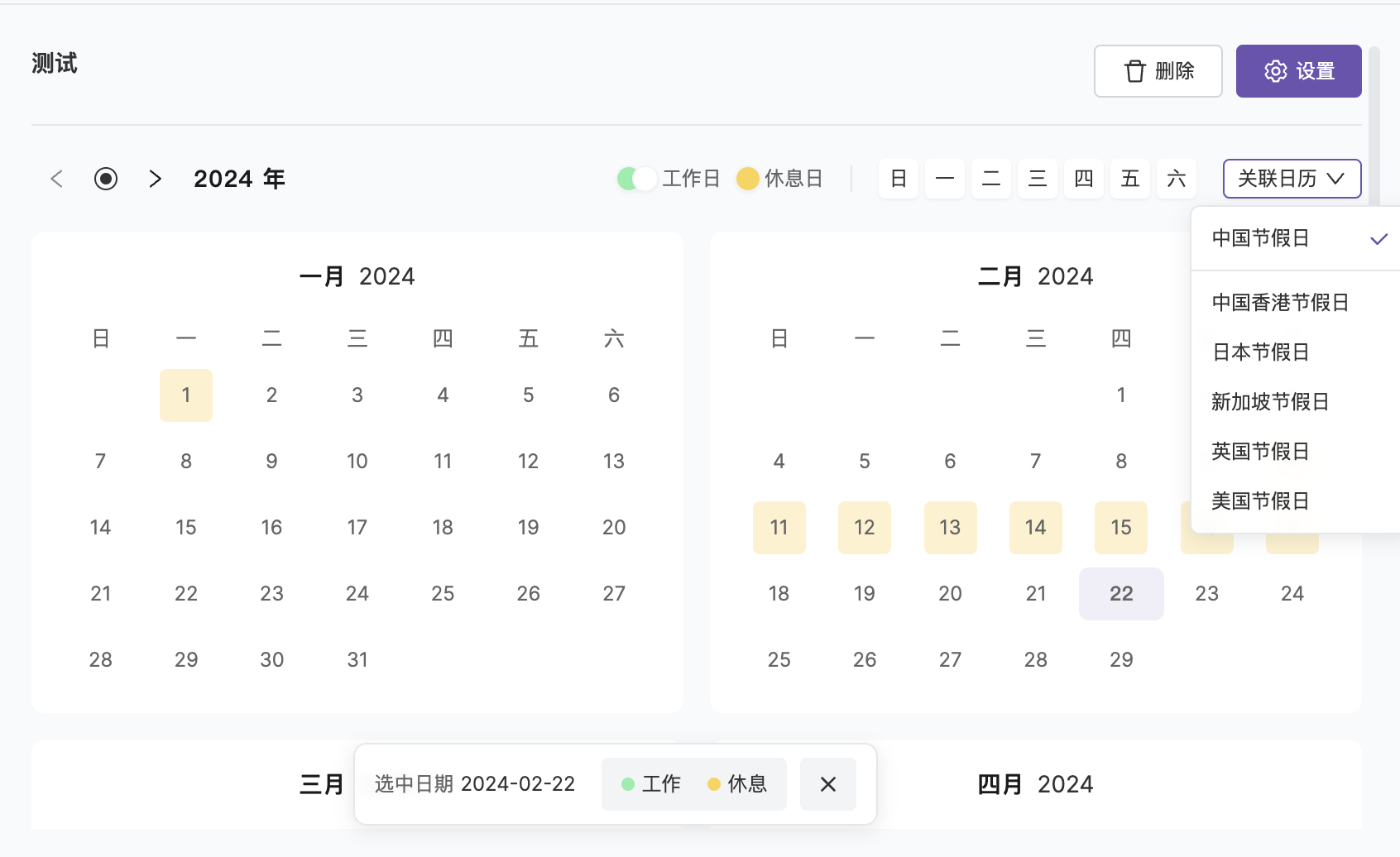
| Link Holidays | Recommend linking national holidays for automatic holiday schedules, can also be adjusted manually |
Editing a Calendar
| Action | Description |
|---|---|
| Modify Basic Info | Calendar name, description, management team |
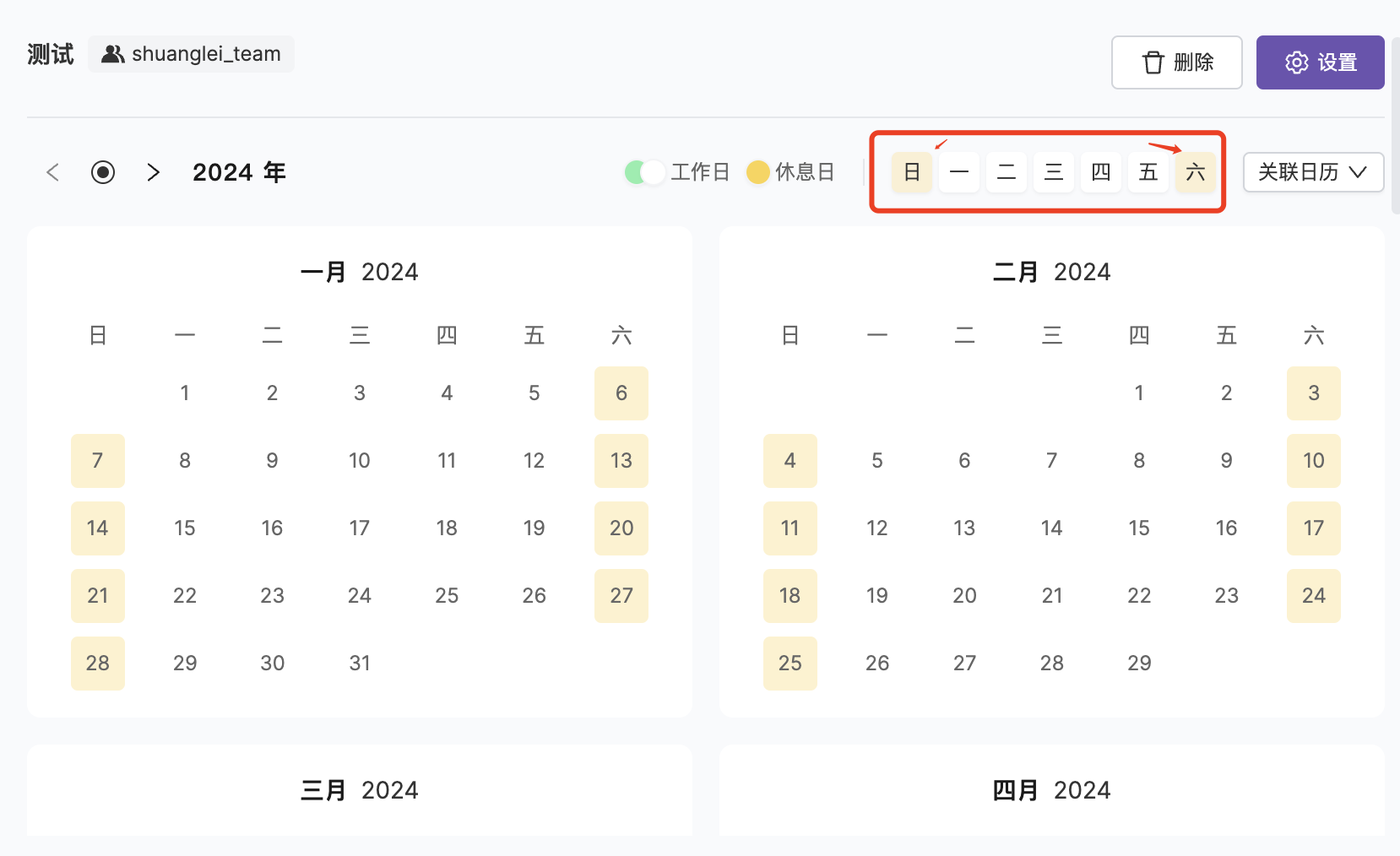
| Bulk Mark Rest Days | Quickly mark by day of week, e.g., every Saturday and Sunday as rest days |
| Single Day Adjustment | Click on a date to toggle workday/rest day status |
FAQ
What's the difference between a service calendar and a schedule?
What's the difference between a service calendar and a schedule?
They serve different purposes:
- Schedule: Defines “who handles it”, the recipient of incidents
- Service Calendar: Defines “when to handle it”, the time condition for escalation rules
Related Topics
Escalation Rules
Reference service calendars in escalation rules
Noise Reduction
Silence alerts by calendar type